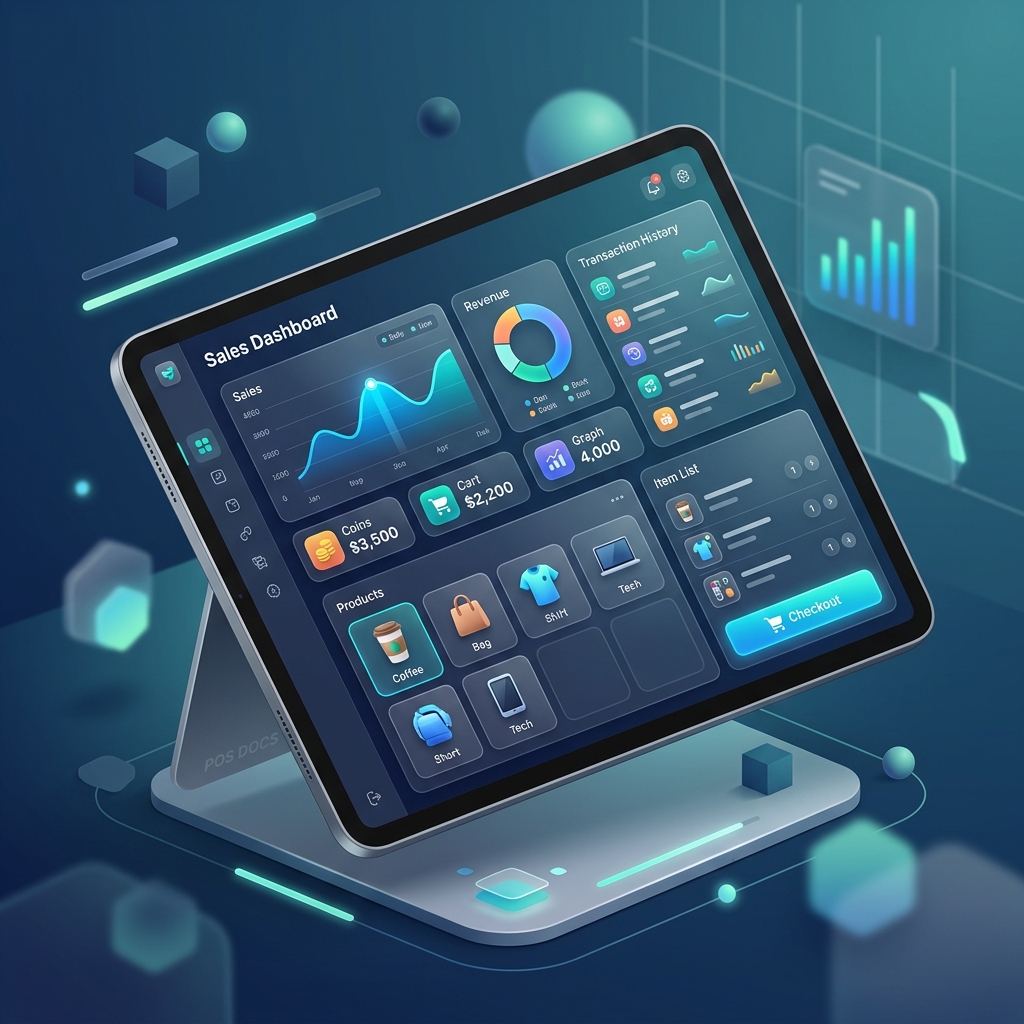
Sales (Point of Sale)
The POS module allows you to record transactions, apply taxes, and generate receipts for your customers.
Creating a Sale
- Navigate to Sales from the main menu.
- Search for a Product or Service in the list.
- Adjust the Quantity and add it to the cart.
- Optionally, select a Customer and an Employee.
- Choose the Invoice Type (Formal, Invoice, or No Receipt).
- Click Checkout to finalize the sale.
Invoice Sequences
Ensure your invoice sequences are correctly configured in Maintenance > Invoice Types before issuing formal receipts.
Receipt & QR Code
Every sale generates:
- A local record.
- A unique QR Code for reference.
- A PDF Receipt that you can print or share directly from your device.
Refunding or Voiding
You can view your transaction history in the Sales List. Swipe a transaction to see more options or manage existing records.