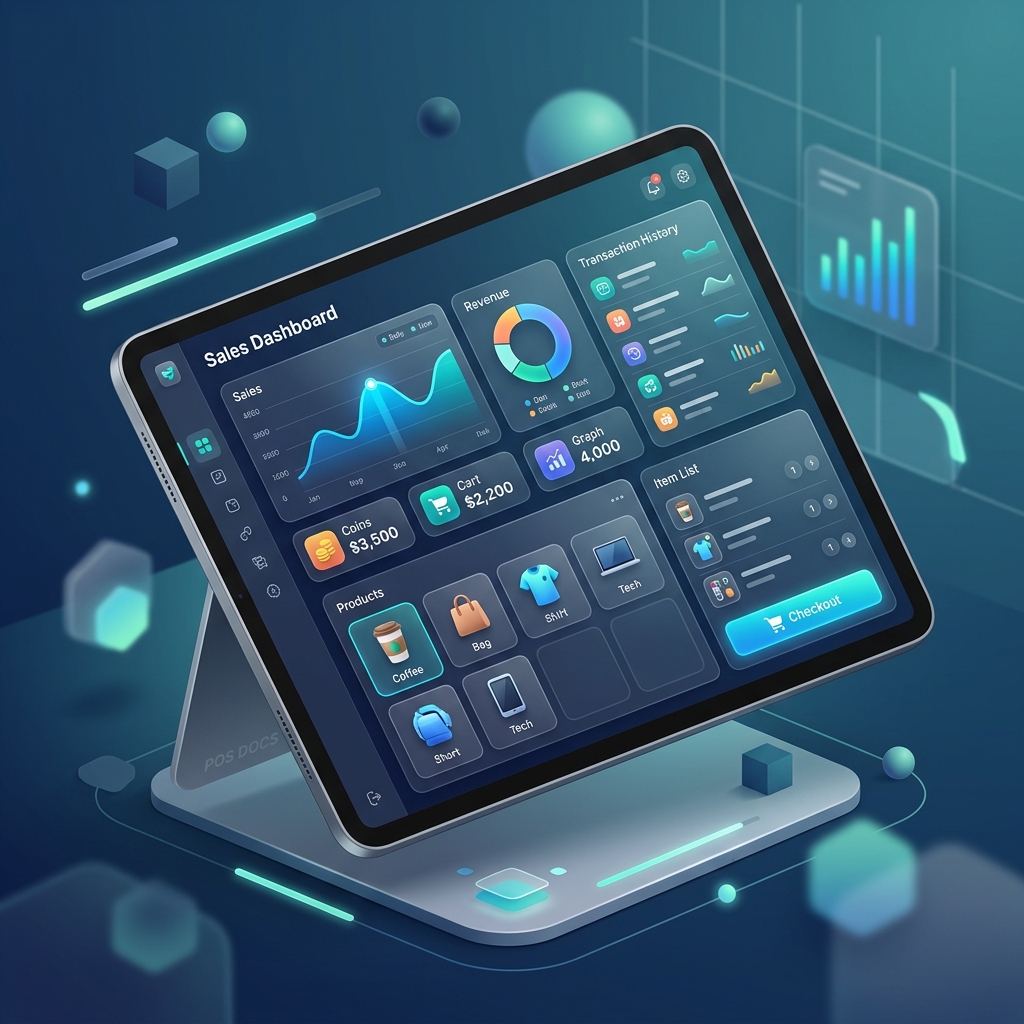
Introduction
Welcome to Arqueo POS Offline! This documentation will help you set up and master your offline point-of-sale system.
100% Privacy
Since this app is offline-first, all your data (sales, customers, inventory) is stored strictly on your device. We don't have access to it.
Getting Started
When you open the app for the first time, you will see an onboarding screen. After that, you should:
- Configure your Company: Go to Settings and set your business name, address, and currency.
- Setup Taxes: In the Maintenance module, define your local tax rates.
- Add Products/Services: Populate your catalog to start selling.
Key Modules
- POS (Point of Sale): The heart of the app where you create sales.
- Inventory: Manage your products and track stock.
- Reports: Analyze your sales performance and profits.
- Maintenance: Configure fiscal sequences and taxes.